
Campaign assistant
Quasimorph Campaign Assistant Tools
Four connected tools turn scattered campaign information into the next concrete decision without requiring an account.
Start in My Campaign to record the current goal, faction focus, loadout, ship progress, and upgrade requirements. Use Mission Decision before deployment, Upgrade Route after identifying a material bottleneck, and Mission Result Log after extraction to preserve versioned evidence.
 OFFICIAL GAMEPLAY
 OFFICIAL GAMEPLAY
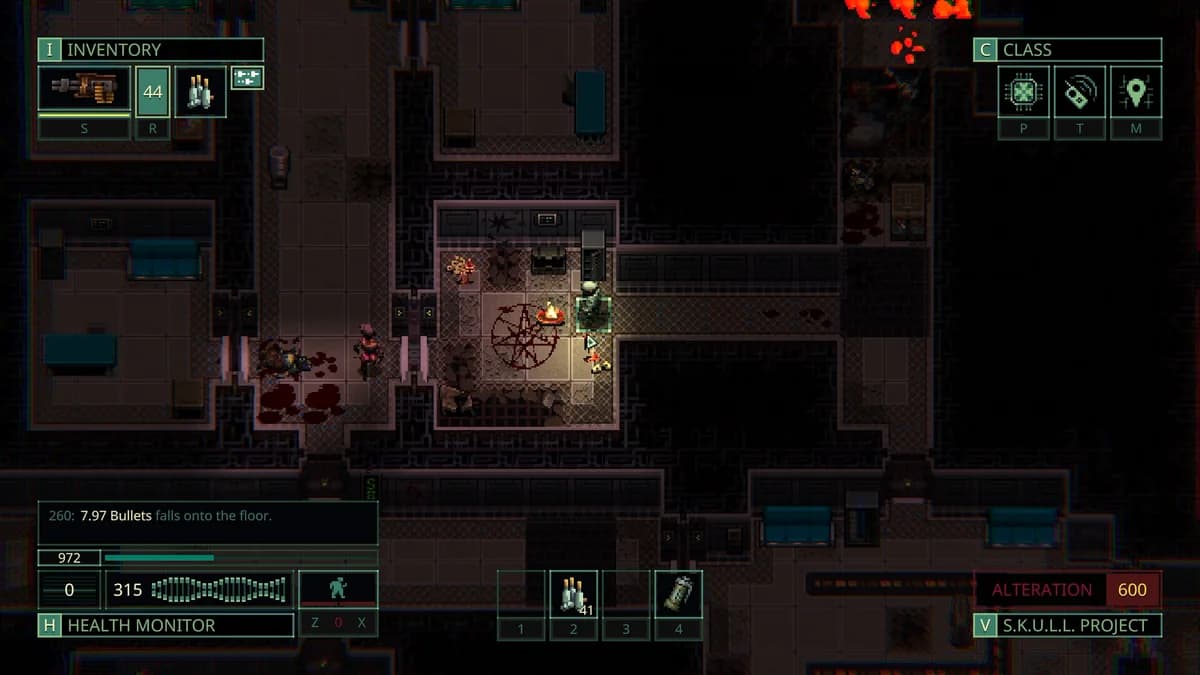
My Campaign: Local Quasimorph Progress Tracker
Record the next campaign goal, faction focus, reliable loadout, ship progress, and exact upgrade requirements shown by the game. My Campaign saves a validated versioned record in this browser and provides JSON export and import without requiring an account.
Read guide →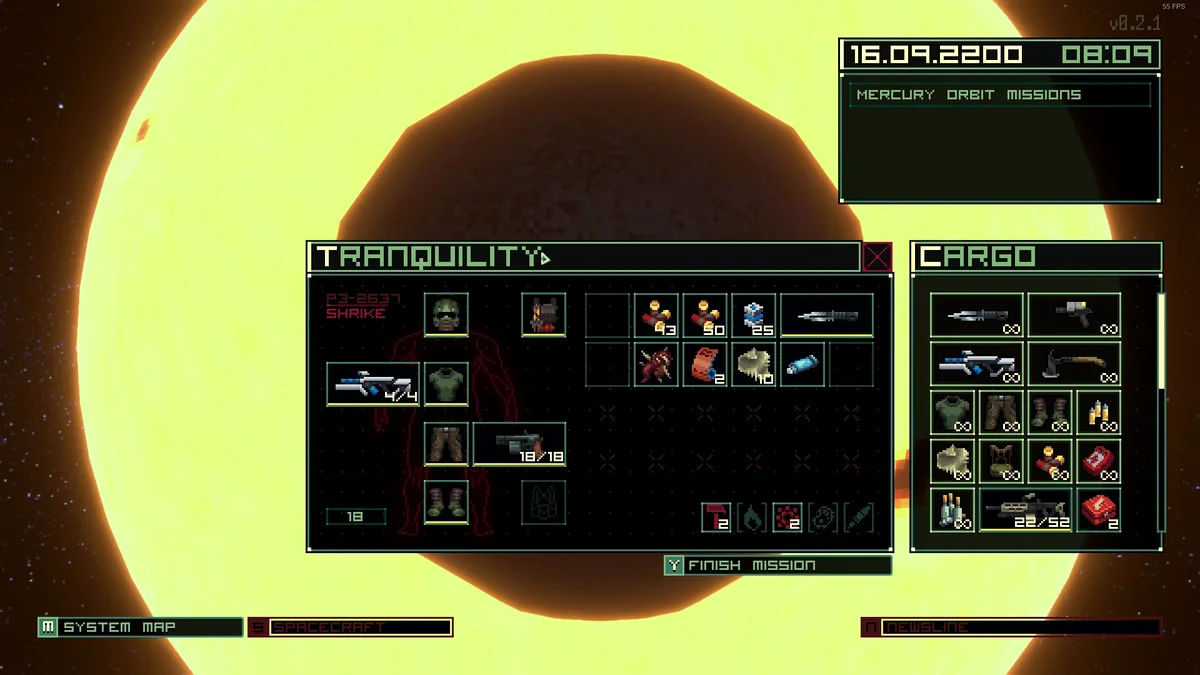 OFFICIAL GAMEPLAY
Quasimorph Upgrade Material Route Planner
The planner reads the first incomplete My Campaign upgrade, subtracts owned quantities from required quantities, and ranks station types by total missing units and distinct items covered. It links every known material to its evidence note and leaves unknowns visible.
Read guide →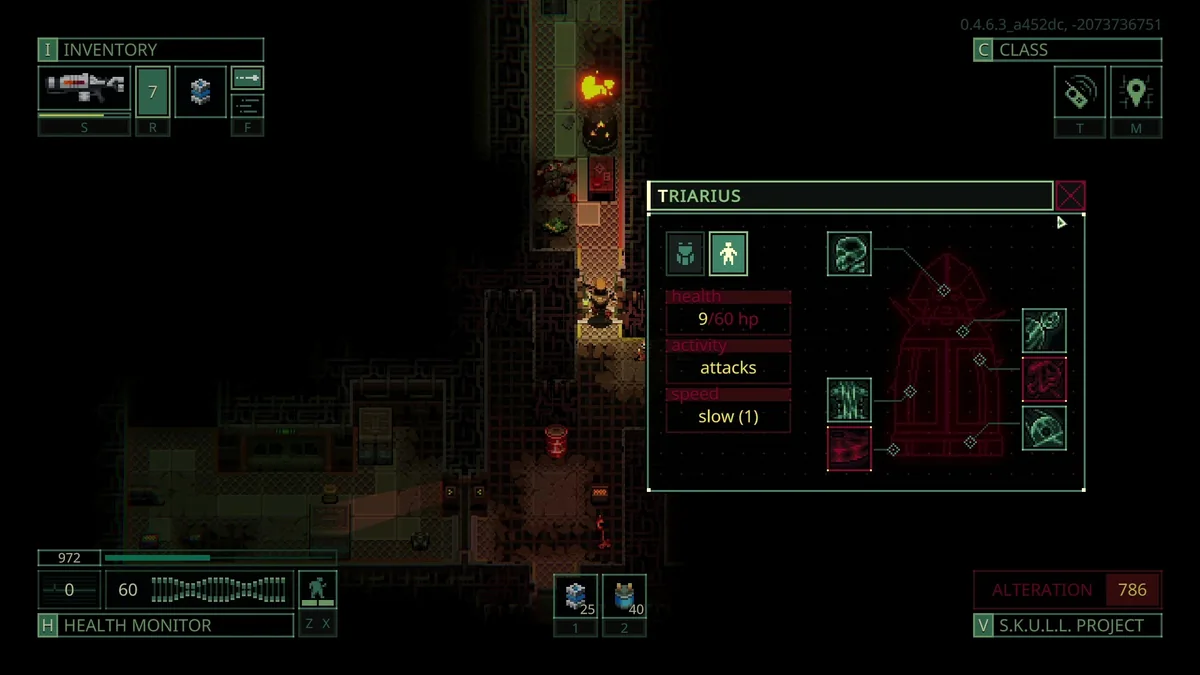 OFFICIAL GAMEPLAY
Quasimorph Mission Result Log
Record the game version, mission signals, faction, station, outcome, exact item, quantity, container, floor and mod state. The result stays in a capped local history until you copy, download, or explicitly open a prefilled public GitHub Issue.
Read guide →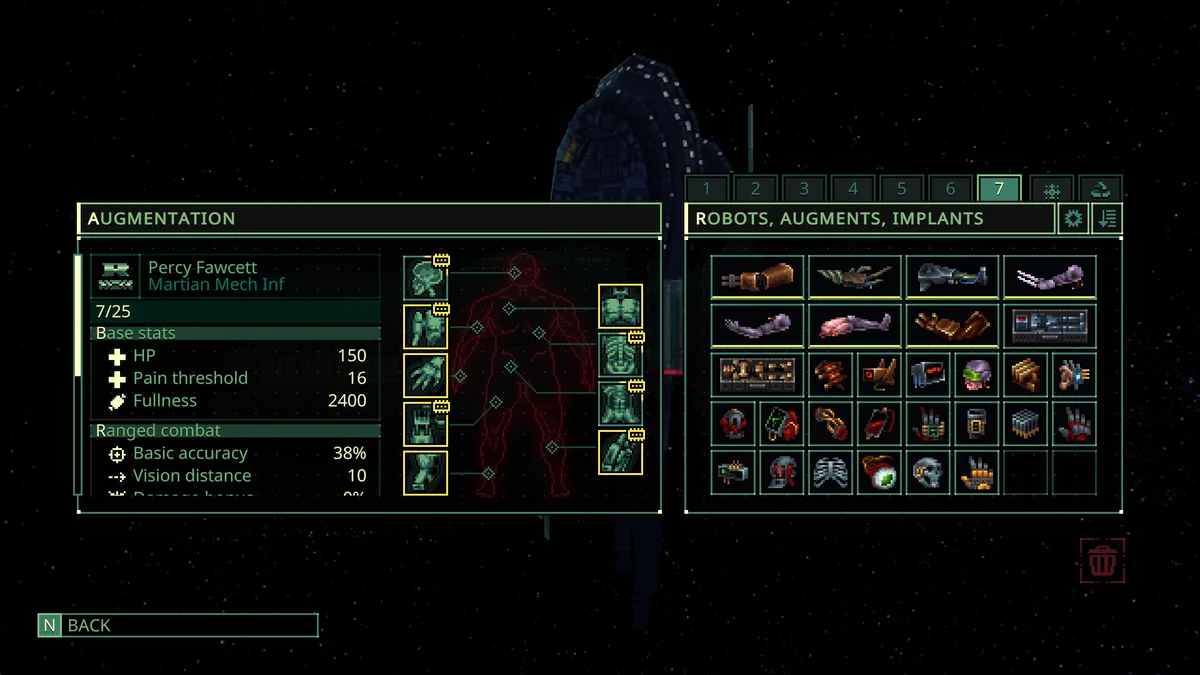 OFFICIAL GAMEPLAY
Quasimorph Mission Decision Tool
Enter the mission's skulls, floors, enemy Power Concentration and Technology, then describe the opponent, Quasimorphosis risk, damage coverage, armor, supplies, and kit value. The tool returns Accept, Caution, or Delay with every risk contribution, a preparation checklist, and explicit abort conditions.
Read guide →Use the four tools as one campaign loop
- 01
Remember the campaign
Record the current strategic goal, faction focus, dependable loadout, ship notes, and exact upgrade requirements in My Campaign. The versioned state stays in this browser and can be backed up as JSON.
- 02
Choose the contract
Open Mission Decision and compare skulls, Power Concentration per floor, Technology, opponent, Quasimorphosis, counters, armor, supplies, and loss exposure before risking the clone.
- 03
Route the bottleneck
Upgrade Route reads the first incomplete campaign target, calculates missing quantities, and ranks station types by how many current needs they cover.
- 04
Record the outcome
Mission Result Log preserves game version, mission context, extraction outcome, exact item, container, floor, and mods status. Public submission remains explicit and reviewable.
What each tool knows — and what it does not
| Tool | It can answer | It never claims |
|---|---|---|
| My Campaign | What you entered and saved on this device | An automatic reading of the save file |
| Mission Decision | Why visible risk signals suggest Accept, Caution, or Delay | An official win probability |
| Upgrade Route | Which documented station types cover the most missing materials | A guaranteed drop or invented recipe |
| Mission Result Log | What happened in a versioned player report | That one report is verified universal truth |
Local by default, deliberate when shared
The assistant has no account system and does not upload campaign state in the background. My Campaign, route progress, and result history use versioned browser storage so they remain available on the same device. Exported JSON is a portable backup that the player controls.
A mission result reaches the public only after the player opens the prefilled GitHub Issue, reviews it, and submits it while signed in. This boundary keeps ordinary planning private while allowing useful, structured evidence to enter a reviewable community queue.
FAQ
Frequently asked questions
Do I need an account to use the Campaign Assistant?
No. All planning and history features work with browser-local storage. A GitHub account is needed only if you explicitly choose to submit a public evidence issue.
Does the assistant read my Quasimorph save automatically?
No. You enter the current goal, requirements, and mission results yourself. This avoids save compatibility and privacy risks while keeping every recommendation explainable.
Research trail
Sources and further reading
Official mission progression, difficulty, economy, UI, class, mercenary, implant, and balance changes.
02 · WikiShip Upgrades - Official Quasimorph WikiCurrent HIS Magnum departments, module effects, requirements, and progression paths.
03 · CommunityQuasimorph item-category community researchCommunity evidence connecting item categories with station types, used as probabilistic route guidance rather than a guaranteed drop table.