
Systems support
Quasimorph Technical Guide
Find the files, verify the platform claim, and separate current support from outdated forum advice.
Start with the symptom: use Save Location for Windows backups and restoration, Controller Support for input questions, Steam Deck for compatibility checks, and the mods guide when a workshop change caused the problem. Change one variable at a time and preserve the complete save folder before troubleshooting.
 OFFICIAL GAMEPLAY
 OFFICIAL GAMEPLAY
Quasimorph Save Location
Close Quasimorph, paste `%USERPROFILE%\AppData\LocalLow` into File Explorer, then check the existing `Magnum Scriptum` and `Magnum Scriptum Ltd` folder variants for `Quasimorph` and any `Saves` child folder. Copy the complete Quasimorph folder to a dated backup before troubleshooting or restoring it.
Read guide → OFFICIAL GAMEPLAY
Quasimorph Controller Support
Yes. Steam currently lists Quasimorph with Full Controller Support. Older 2024 discussions saying gamepad support was only planned describe a previous version and should not be used as the current answer.
Read guide → OFFICIAL GAMEPLAY
Quasimorph Steam Deck Compatibility
Yes. Steam currently marks Quasimorph as Steam Deck Verified. Players can still prefer custom Steam Input layouts for tooltips, pointer-heavy menus, or faster access to keyboard-style commands.
Read guide →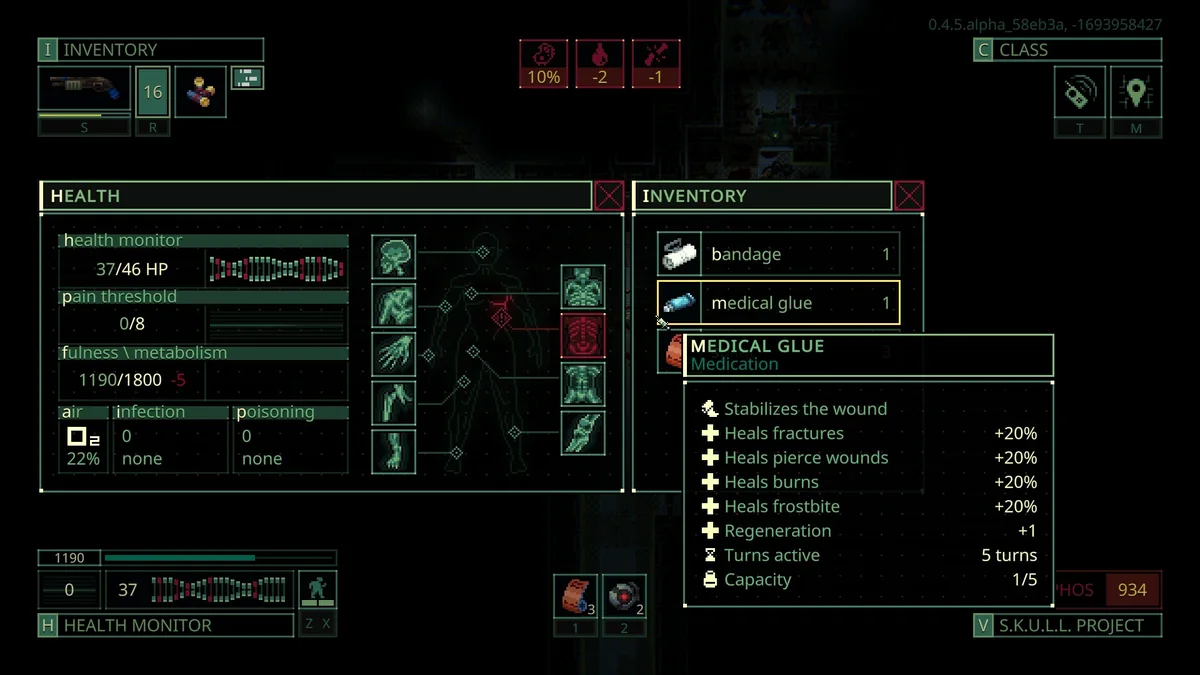 OFFICIAL GAMEPLAY
Quasimorph 1.0 Save Compatibility
If the save comes from the old pre-1.0 stable configuration, treat it as incompatible with the reworked Unstable/1.0 data and begin a new 1.0 campaign after preserving a backup. The developers said saves started during the Unstable beta were expected to remain playable in full 1.0 if no urgent conflict appeared, while also warning that at least one beta wipe was planned. For any uncertain or modded save, back up the complete folder and verify the exact build notes before loading it.
Read guide →An unexpected status appeared after a hit
- 01
Read the exact effect
In a September 2 alcohol-addiction report, a Steam Officer rejected the idea of an alcohol-based gun. The thread did not establish a final cause, so the timing of a hit alone is not a confirmed mechanic.
- 02
Record the recent state
Capture the status description, recent consumables, implants, pacts, mods and exact build. Distinguish an accuracy penalty from addiction rather than identifying an effect by its icon alone.
- 03
Preserve a reproducible case
Back up the save with the game closed and report the smallest sequence that reproduces the effect. Do not erase the campaign to test an unconfirmed explanation.
Technical topics covered
- Windows save-folder locations and safe backup steps.
- Current Steam Full Controller Support status.
- Current Steam Deck Verified status.
- Older controller-layout limitations and practical workarounds.
A version-aware troubleshooting order
- 01
Check the current Steam feature badge
It supersedes old forum answers about whether support exists.
- 02
Record game and mod versions
Input and UI issues can differ between stable and older builds.
- 03
Reproduce without mods
Remove compatibility uncertainty before blaming the base game.
Open the fix for the current symptom
| Problem | Open | First safe action |
|---|---|---|
| Find or back up saves | /technical/save-location/ | Close the game and copy the complete save folder |
| Controller input | /technical/controller-support/ | Confirm the current platform and input mode |
| Steam Deck compatibility | /technical/steam-deck/ | Check the current compatibility status and controls |
| A mod caused a problem | /mods/install/ | Restore a backup and test one mod at a time |
FAQ
Frequently asked questions
Is this technical hub guide current for Quasimorph 1.0?
The page uses 1.0 as its baseline and labels older or uncertain details. Check the update line and linked sources before relying on exact numbers.
Does this site copy the official wiki?
No. It summarizes and organizes verified facts for specific search questions, then links the original sources so readers can audit details.
Research trail
Sources and further reading
Official game description, release details, features, controller support, and Steam Deck status.
02 · CommunitySteam Deck / Controller DiscussionDated context showing controller support development before 1.0.
03 · CommunityBeing shot gives alcohol addiction? — September 2, 2026Unresolved status report; an Officer rejects the alcohol-gun theory and requests diagnostic evidence.